
Recommend
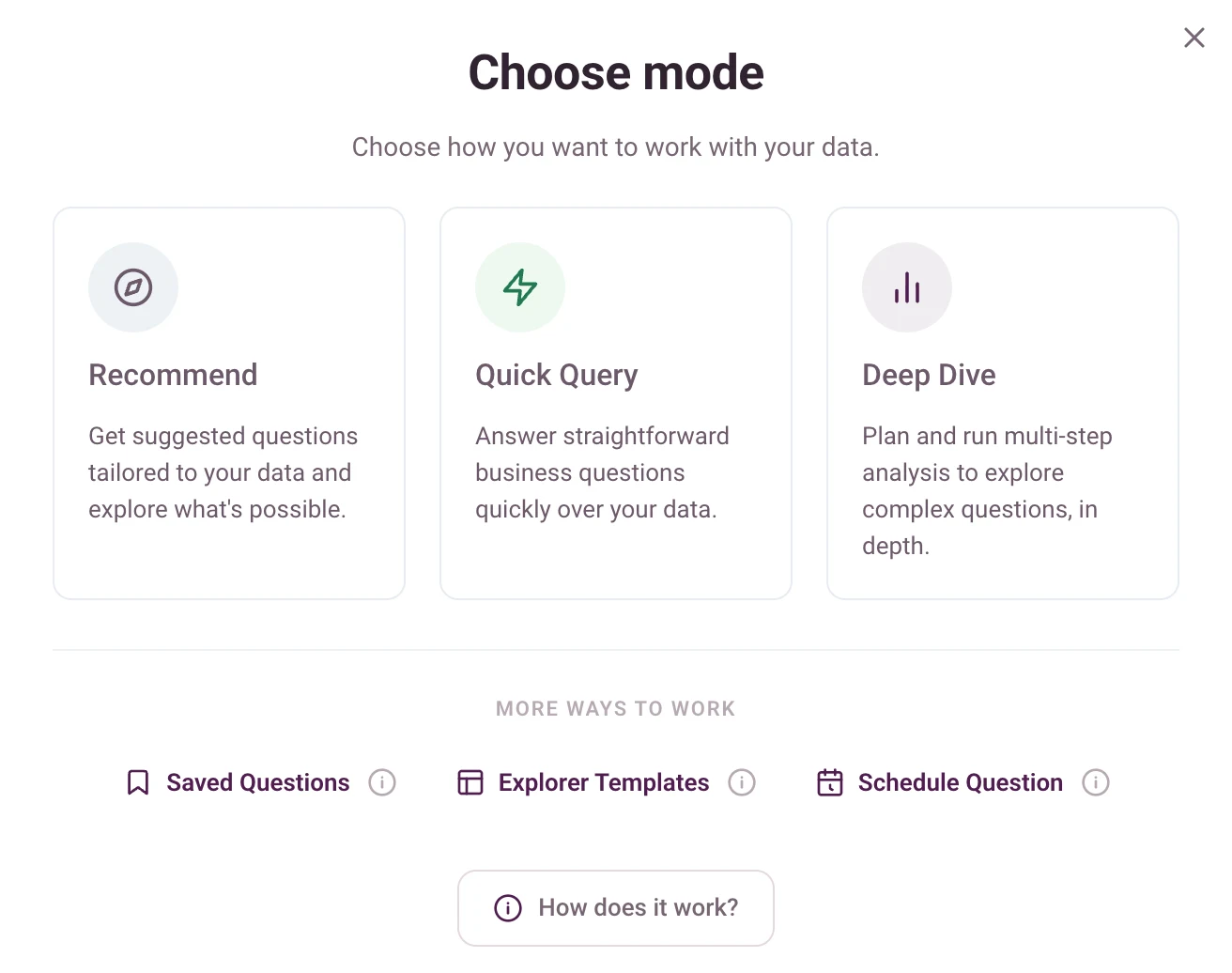
Not sure where to start? Dactana suggests useful questions based on your data, helping teams see what is possible and move quickly from blank page to meaningful analysis.
Each mode is designed for a different decision context, so teams can match depth to the question at hand.
Not sure where to start? Dactana suggests useful questions based on your data, helping teams see what is possible and move quickly from blank page to meaningful analysis.
Ask a straightforward business question and get a fast, structured answer over your data. Ideal for quick checks, first reads and decision support when you need the signal without the sprawl.
Run a more detailed investigation when the question needs proper analysis, evidence and explanation. Dactana plans the work, explores the data and produces a structured output you can use with confidence.
Build your own analysis deck by choosing from a library of slide templates, including commentary, charts, visuals, interactive views and summary pages. Dactana then analyses your data into the structure you choose, giving you a tailored Explorer ready to review, refine and share.
Set important questions to run automatically, so insights arrive when you need them. Useful for recurring reports, regular checks and keeping track of changes without chasing the data manually.